InputContext
A scope for inputs: everything inside it reads the inputs inside it by name (a Python Scene is one already).
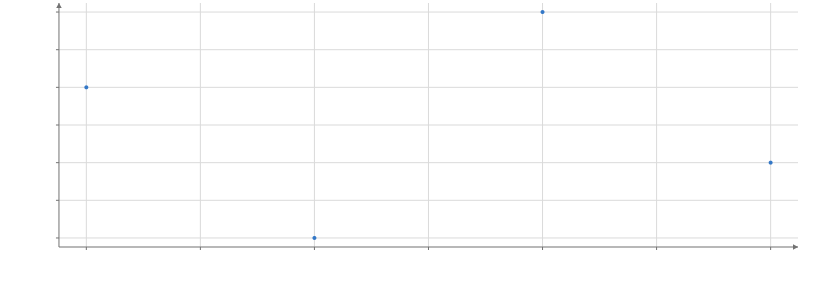
Static preview; loading the interactive plot
import hmplot as hm

data = {"x": [1, 2, 3, 4], "y": [3, 1, 4, 2]}
with hm.InputContext() as inputs:
    hm.Slider(name="size", min=1, max=10, value=4)
    with hm.Plot(data=data, height=300, axes2d=True):
        hm.Points(x="x", y="y", size=hm.input.size)
inputs
Usage
An input sends its value up to the nearest input context (an InputContext, a Python Scene, or a Template instance), and everything in that context reads it by name: input("name") in JavaScript, hm.input.name in Python, or the string "$name" where a string names a column. A read is replaced by the value before its reader sees it, so moving an input re-runs its readers once, and the change animates like any other data change. Inputs go beside Plots (in a Row or Column), not inside them, and are left out of image and PDF exports.
A mark or a Button can write an input too. input("root", { default: "all" }) reads the input and makes its writes (an InputExpression; in Python hm.input("root", default="all")):
select={root.set("id")}sets it to the clicked row’sid, and a click on nothing restores the default.hover={focus.set("series")}shows the hovered row’sseriesuntil the pointer leaves, then the committed value again.root.set(literal("all"))(or a number, a boolean, a Date, null) writes a constant, androot.reset()the default: a mark’sselect, or a Button’sset, so a press goes back to the top of a drill-down.
<script>
  import { InputContext, Button, Plot, GraphData, Treemap, Nodes, Rect, input } from "hmplot";
  let { nodes, edges } = $props();
  const root = input("root", { default: "all" });
</script>

<InputContext>
  <Button label="Top" set={root.reset()} />
  <Plot>
    <GraphData {nodes} {edges} source="parent" target="id">
      <Treemap root={root} value="revenue" levels={1}>
        <Nodes><Rect x0="x0" x1="x1" y0="y0" y1="y1" select={root.set("id")} /></Nodes>
      </Treemap>
    </GraphData>
  </Plot>
</InputContext>
The value is visualization state with a default (a drill-down’s root, a focused series), where a selection is a set of rows. A write works whether a widget declares the input or not: several marks, a TableView’s rows, Buttons and a widget of the same name (a Select named root) may write one input, the last write wins, and the widget shows it. Writes made from one input("root", { default }) carry its default; writers that give different defaults, or write it from columns of different kinds, are an error naming both; so is a hover that writes an input a transform above that mark reads, since each hover would change the rows under the pointer (write it on click). Before any write the value is the default, null when none is given; an expression comparing a column with a null input matches no row. The object form { input: "root", column: "id", default: "all" } (or value, or reset: true) is the same write.