Transform
Run a registered transform or graph layout with its declared parameters.
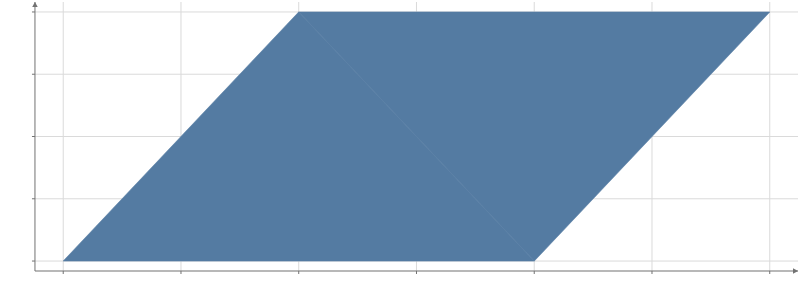
Static preview; loading the interactive plot
import hmplot as hm

data = {"x": [1, 3, 2, 4, 2.5, 3], "y": [1, 1, 3, 3, 2, 2.5]}
with hm.Plot(data=data, height=300, axes2d=True) as plot:
    with hm.Transform(kind="Hull", x="x", y="y"):
        hm.Polygon()
plot
Usage
Transform runs a named computation around its children. Pass its schema parameters in params in Svelte, or as keyword arguments in Python. The example uses the bundled Hull
computation; its output is the same as the Hull component’s.
Register a JavaScript plug-in with registerPlugin before naming its transform or layout.
Python installs the plug-in package and calls hm.use_plugin("package-name") before building
the plot. The same registered code travels with exported HTML.
A row transform reads the surrounding table. A graph layout reads GraphData and publishes
both relations: put its node marks inside Nodes and its edge marks inside Edges. Layout
parameters belong in params; by and as apply to row transforms.
A missing kind leaves the input unchanged and reports a warning. Registering it later mounts the computation. A failed update retains the last successful result and reports its error.
For registered plug-ins, the settings pane exposes schema parameters under the transform’s own entry. Edits rerun the computation and are included in Python edits and HTML exports. Expression-valued parameters display their expression; change the expression or its input to adjust those values.
See plug-ins for registration, schemas and authoring contracts, and templates for patterns composed from existing components.