Crosshair
Rules that follow the pointer across the frame, with a readout of its x and y.
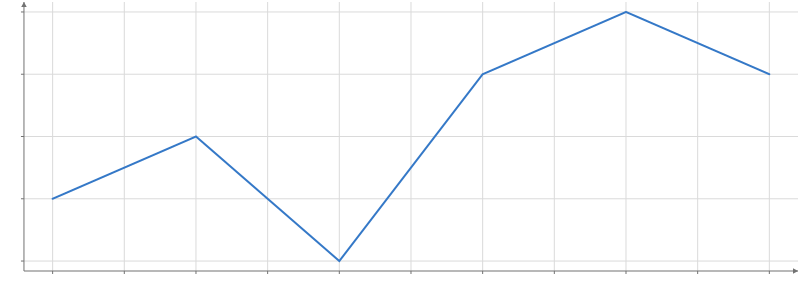
Static preview; loading the interactive plot
<script>
  import { Plot, Line } from "hmplot";
import { Crosshair } from "hmplot/charts";
  const data = { x: [1, 2, 3, 4, 5, 6], y: [3, 4, 2, 5, 6, 5] };
</script>

<Plot {data} height={300} axes2d>
  <Line x="x" y="y" />
  <Crosshair />
</Plot>
Usage
Place a Crosshair in a Plot (or in a Frame) and it follows the pointer there: a rule each way and a readout of each value. Readouts are finer than the ticks: a time with its time of day, a number to about a thousandth of the visible span, angles and map coordinates in degrees. By default they sit just inside the frame’s bottom and left edges; readoutPosition="pointer" puts one label beside the pointer that holds both, for a polar frame or a map, whose rules have no edge to pin to.
Nothing draws while the pointer is off the frame. A still pointer costs nothing: the rules and readouts update once per animation frame with a move. axes="x" keeps only the vertical rule; readout={false} drops the text.
Crosshair is a built-in template, built from transforms and simpler marks: import it from hmplot/charts.