Multiple selection sets
Build two named selection sets in separate projections and inspect their overlap in a third view.
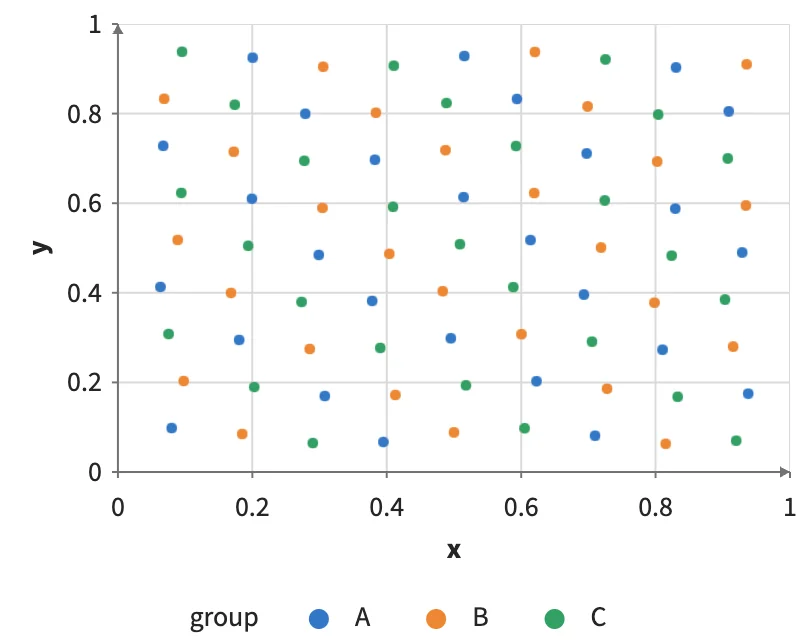
Static preview; loading the interactive plot
<script>
  const primary = selection(), comparison = selection();
</script>
<Data value={observations} key="id">
  <Interaction columns={{ "@primary": primary, "@comparison": comparison }}>
    <Plot><Points x="x" y="y" select={primary} hover /></Plot>
    <Plot><Points x="u" y="v" select={comparison} hover /></Plot>
    <Plot><Filter where={["@primary", "@comparison"]} inactive="none">
      <Text x="x" y="y" text="id" />
    </Filter></Plot>
  </Interaction>
</Data>