Respond only while active
@any_brushed and @any_selected are 1 on every row while anything is brushed or selected, so the other rows shrink only then. Shift-drag or click in either plot; clear to restore every row.
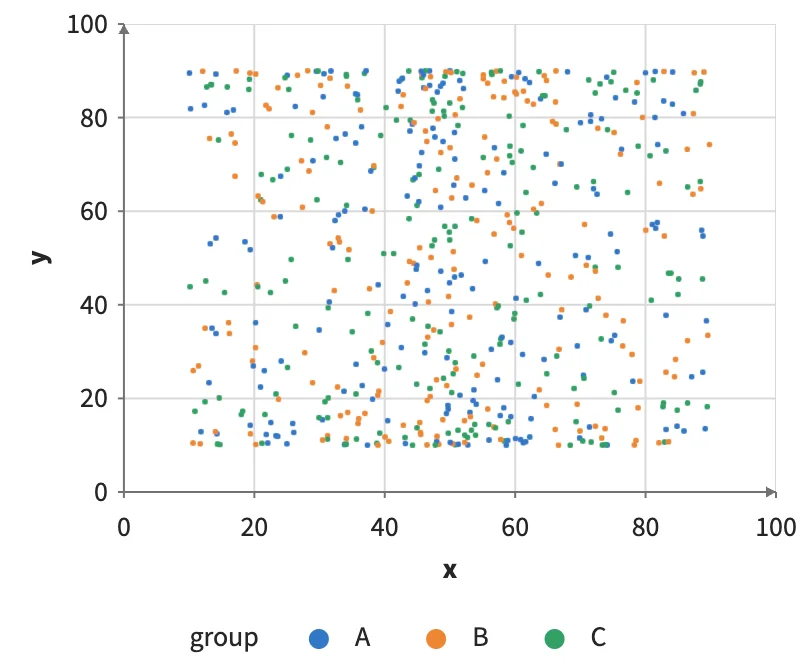
Static preview; loading the interactive plot
<script>
  import { Data, Plot, Points, where } from "hmplot";
  const records = Array.from({length: 600}, (_, i) => ({
    id: i, group: ["A", "B", "C"][i % 3],
    x: 50 + 40 * Math.sin(i * 0.37) * Math.cos(i * 0.011),
    y: 50 + 40 * Math.cos(i * 0.23),
    score: (i * 71) % 100, response: 50 + 35 * Math.sin(i * 0.05),
  }));
</script>
<div class="plots">
  <Data value={records} key="id">
    <section><h3>Brush here</h3>
      <Plot responsive height={340} axes2d x={{domain: [0, 100]}} y={{domain: [0, 100]}}>
        <Points x="x" y="y" fill="group" brush select
          size={where("@any_brushed", where("@brushed", 4.5, 1), 3)} />
      </Plot>
    </section>
    <section><h3>…or here</h3>
      <Plot responsive height={340} axes2d x={{domain: [0, 100]}} y={{domain: [0, 100]}}>
        <Points x="score" y="response" fill="group" brush select
          size={where("@any_selected", where("@selected", 7, 1.5), where("@any_brushed", where("@brushed", 4.5, 1), 3))} />
      </Plot>
    </section>
  </Data>
</div>